
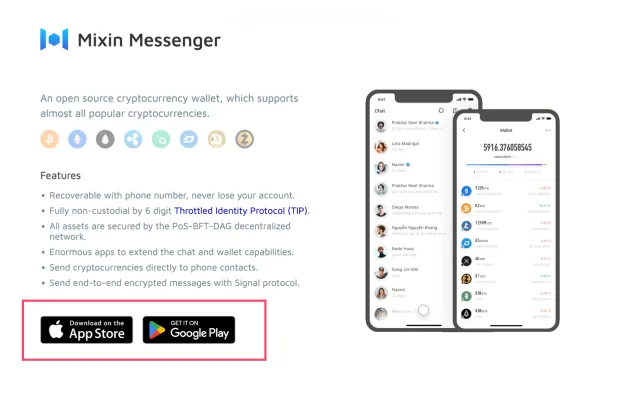
1. Install Mixin Messenger
- Please visit Mixin's official website to download.
2. Authorized Login MixPay bot
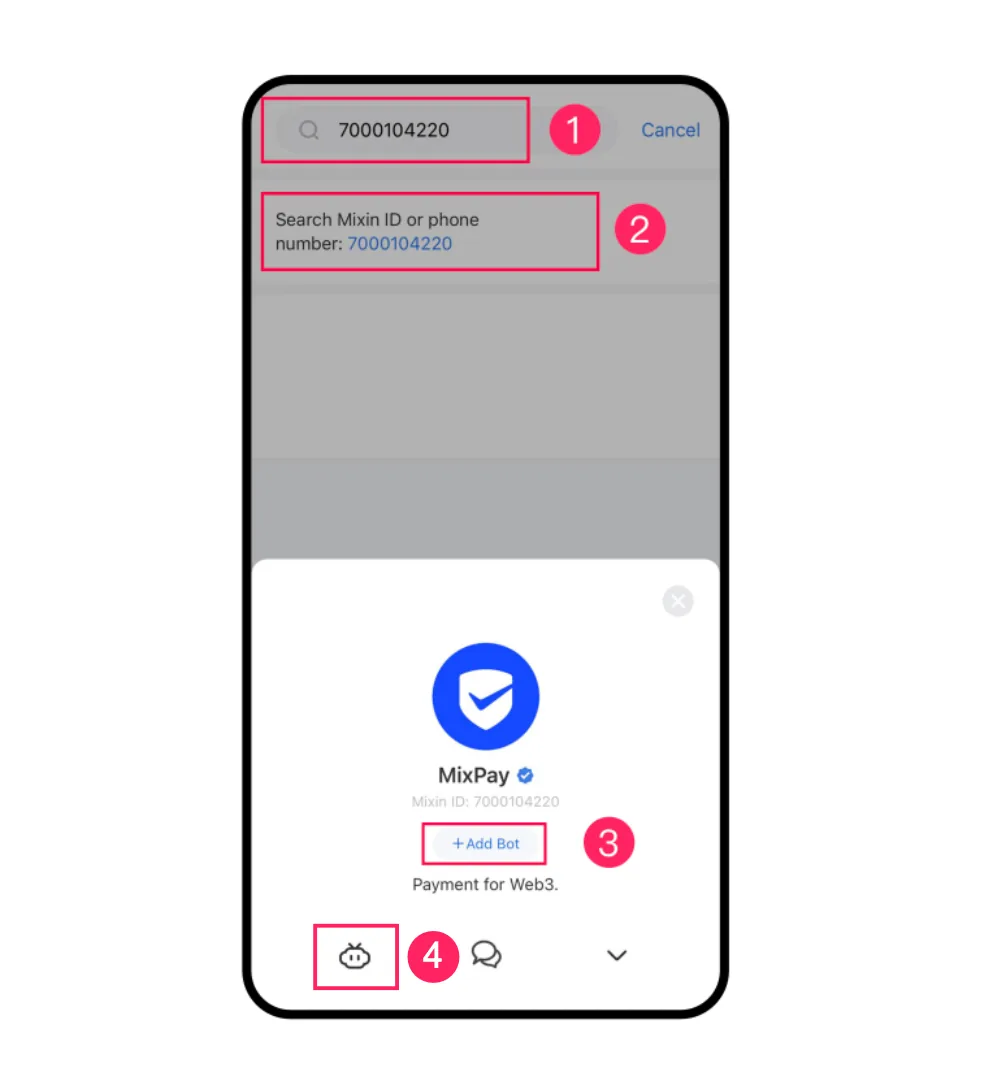
- Sign in to Mixin Messenger and, click 🔍 on the top navigation bar, search for robot: 7000104220.
- Click the "Robot" icon in the bottom left corner to start authorizing login.
3. Login successfully
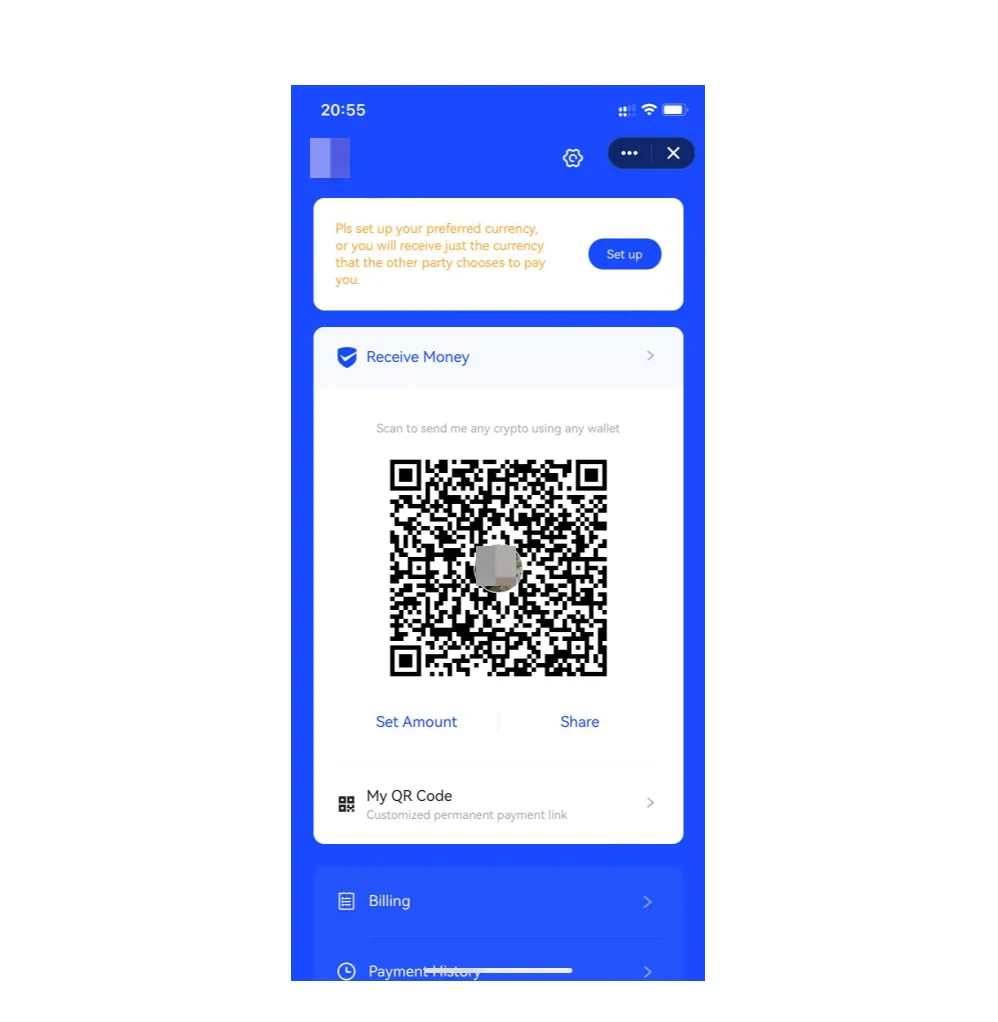
- After successful login, go to MixPay home page
This article was migrated from the MixPay help center on 2026-04-26. Talk to support if anything is out of date or you didn’t find what you needed.