
Written by MixPay
December 19, 2022
-
Go to WordPress website https://wordpress.org
-
Input your username and password to log in.
-
Go to Plugins.
-
Add now.
-
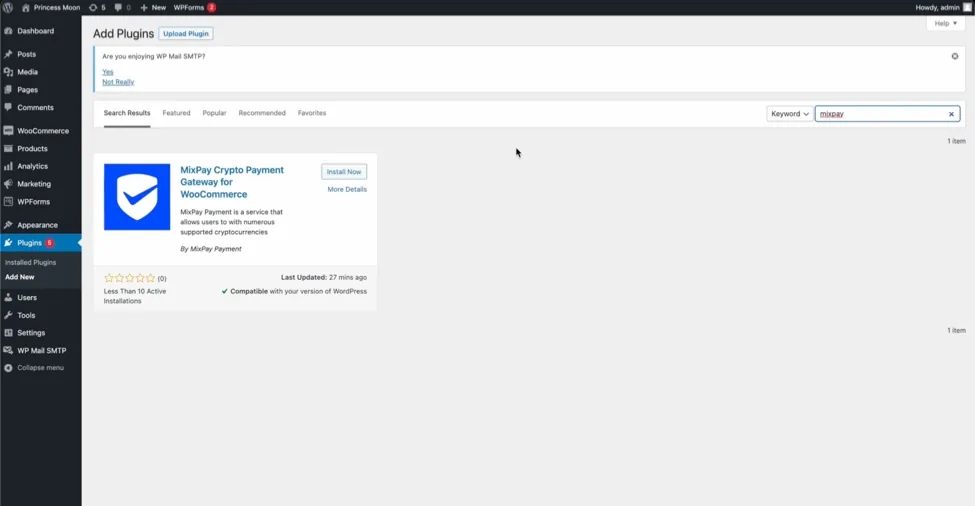
Type MixPay in the search bar.
-
Install MixPay plugin.
-
Activate the plugin.
-
Configure.
-
Make sure that the plugin is enabled.
-
Enter your Mixin ID.
-
Ensure that you follow MixPay bot account (ID: 7000104220) in Mixin Messenger.
-
Save changes.
-
If your UUID appeared that means the installation is successful.
For more information check out our video tutorial
Did this answer your question?
This article was migrated from the MixPay help center on 2026-04-26. Talk to support if anything is out of date or you didn’t find what you needed.