
Written by MixPay
April 14, 2023
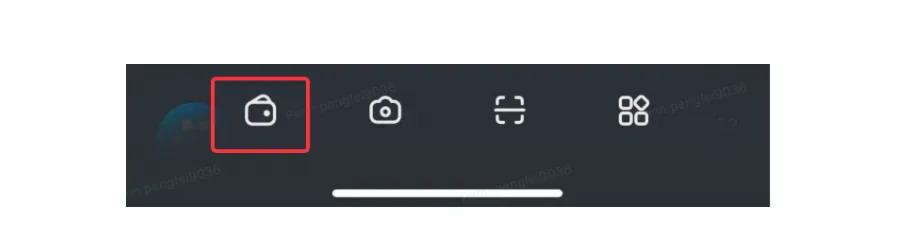
Open your Mixin Messenger and click on the "Wallet" icon in the bottom menu bar.
How to use this asset?
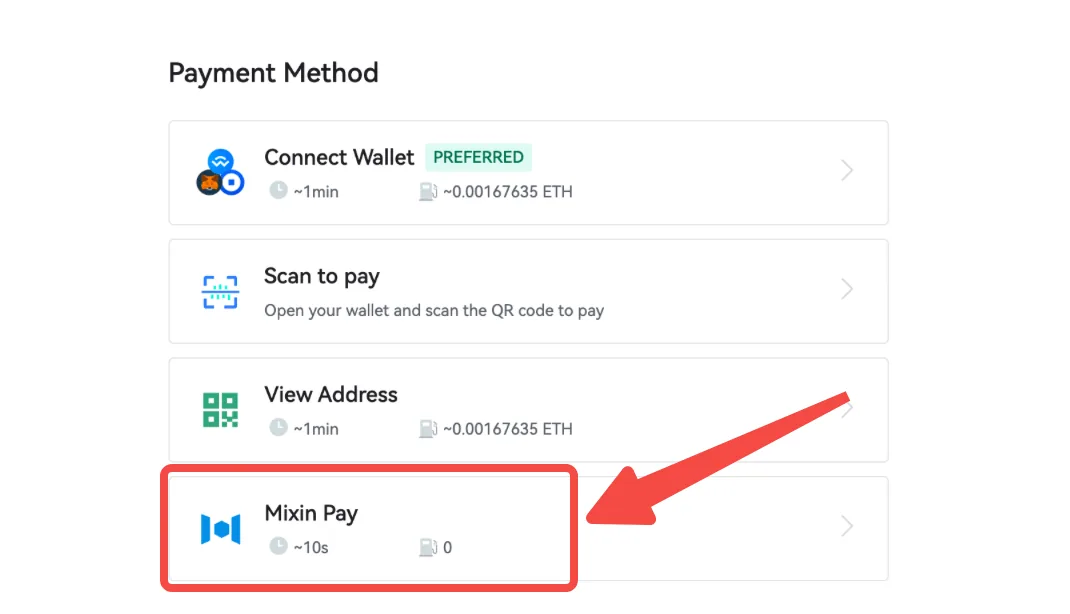
1. When you pay with MixPay, you can choose "Mixin Pay" payment.
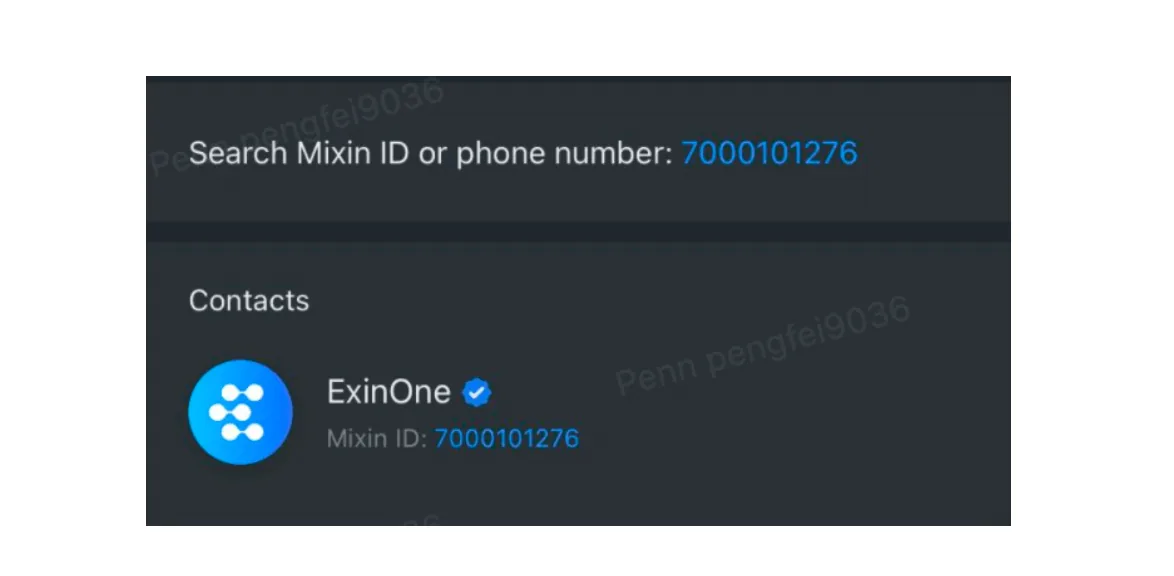
2. If you want to exchange other assets, please search for "ID:7000101276" and use" ExinOne Convert".
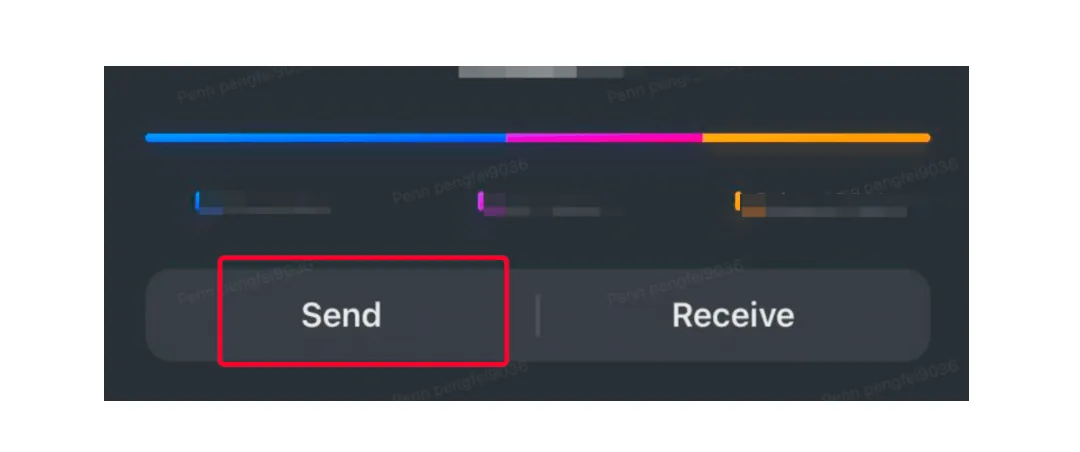
3. The assets of the Mixin wallet can also be withdrawn to any on-chain address.
This article was migrated from the MixPay help center on 2026-04-26. Talk to support if anything is out of date or you didn’t find what you needed.